Learn the basics
Roles & Concepts
The vocabulary CrewCommerce uses, explained in plain terms — and what each role actually sees.
The building blocks
| Term | What it means |
|---|---|
| Company | A group of your customer's people who buy from your store together, under one account structure. |
| Team member | Any person who belongs to a company — every team member has exactly one role. |
| Requester | A team member who shops and submits orders. Their orders may need approval, depending on your rules. |
| Manager | A team member who can also approve or reject the company's pending orders and manage the team. |
| Admin | The one person who runs the company. Everything a Manager can do, plus the only one who can't be removed. |
| Order / Workflow | Once an order needs approval, CrewCommerce tracks it as an approval "workflow" — the order itself, plus who requested it, who's approving it, and its status. |
| Status | Where an approval currently stands: Pending Approval, Approved, Rejected, or Unassigned (needs approval, but no one to give it). |
What each role sees
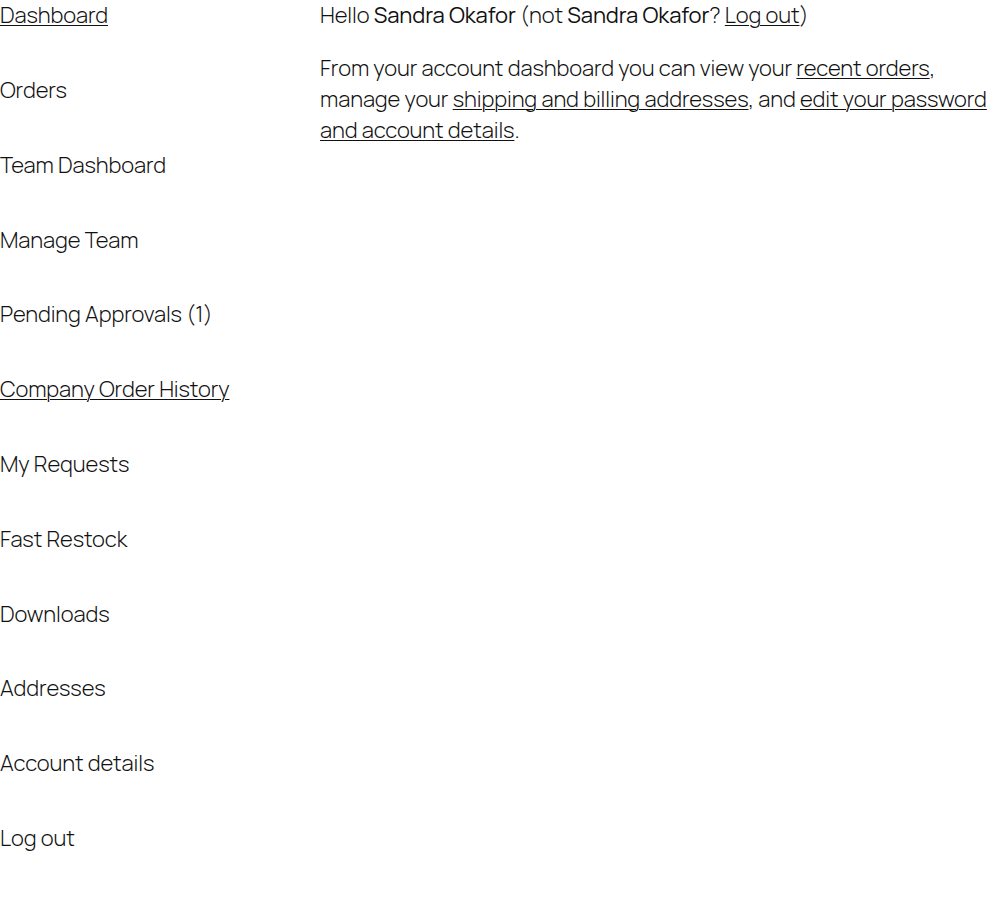
The clearest way to understand the roles is to see their My Account menus side by side. A Manager (or Admin) sees the full set of team tools:
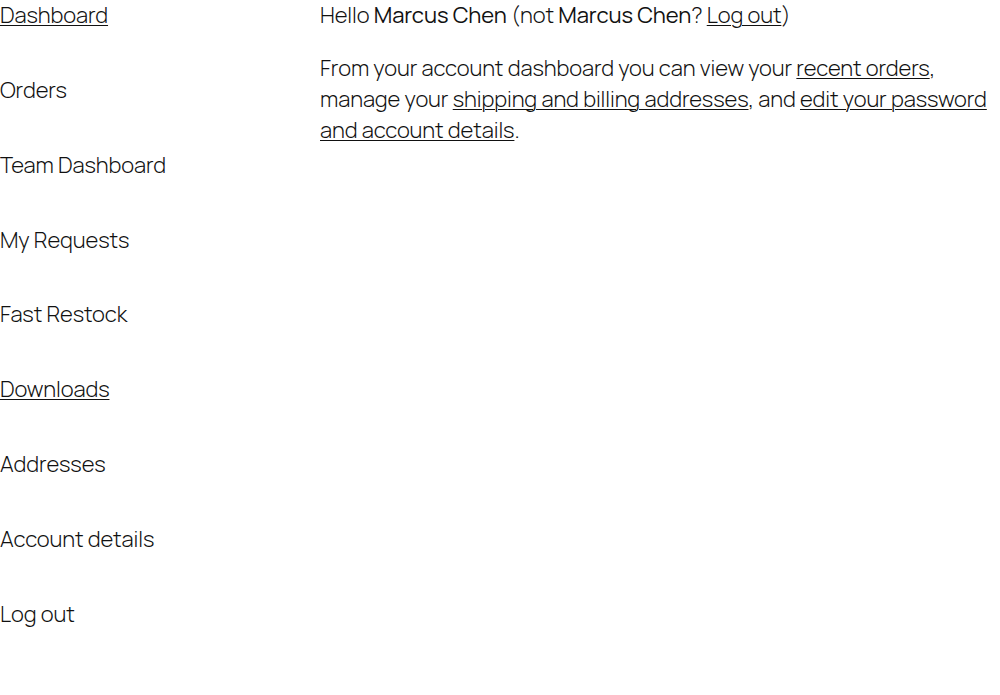
A Requester in a company that has a Manager sees fewer tabs — no team management or approvals, since that's not their job:
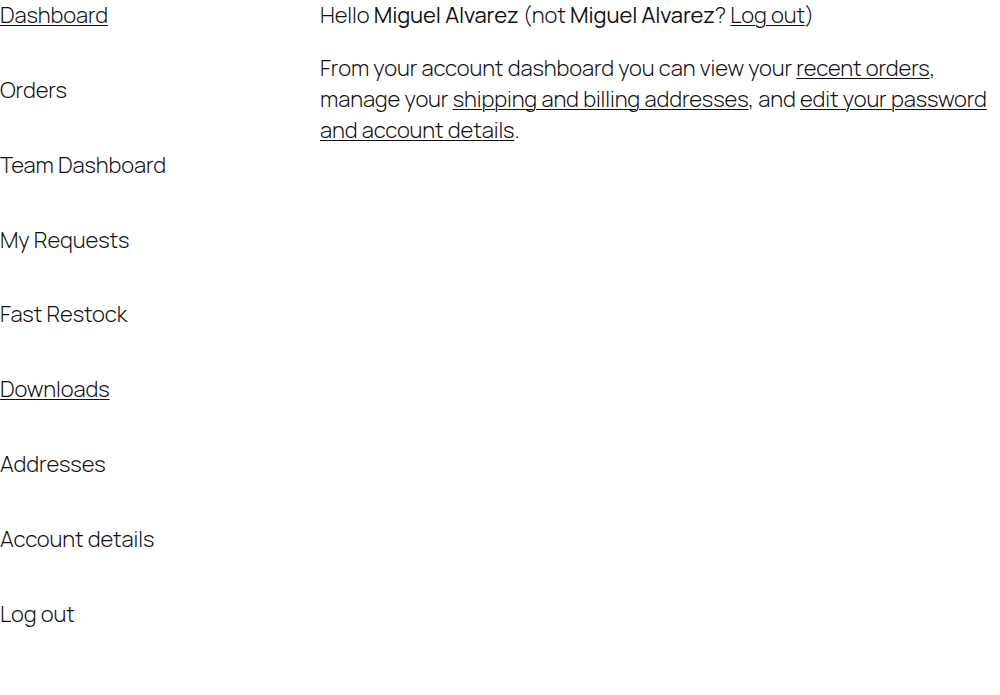
A Requester in a company with no Manager or Admin sees exactly the same menu — CrewCommerce doesn't show someone tools they can't use just because their company happens to be missing an approver:
Who's exempt from what
- Admins are always exempt from approval rules and spend limits, everywhere, with no setting to change that.
- Managers are exempt by default, but a store owner can include them in approval rules from Settings.
- Nobody approves their own order. When a Manager's order needs approval, it goes to another Manager, or to the company Admin if there isn't one — never back to the person who placed it.
- Requesters are checked by default — this is the role approval rules exist for.